What I learned after my own Zoom bombing—and what every business owner hosting online events should know before clicking “Start Meeting.”
I had spent weeks preparing for a webinar called Marketing Nightmares.
Ironically, the biggest nightmare of the day had nothing to do with marketing.
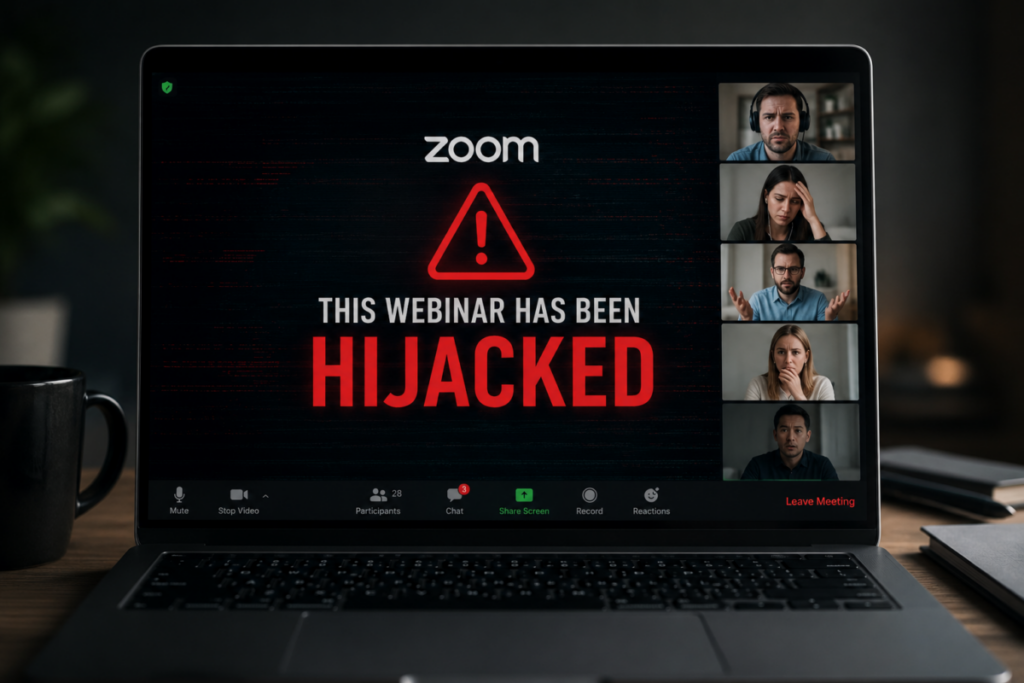
Within moments of beginning the presentation, someone hijacked the meeting. While I was presenting what I believed was my slide deck, attendees were instead seeing graphic pornographic content streamed by a malicious participant. At the same time, my own screen appeared to show someone using Zoom’s annotation tools to draw hateful symbols across the presentation.
I ended the webinar immediately.
Only afterward did I learn that what happened has a name: Zoom bombing.
Until it happened to me, I had heard the term but assumed it was something that mostly affected schools or large public meetings. I was wrong.
This wasn’t a prank between friends. It was a deliberate disruption of a professional business event.
This Wasn’t Just an Embarrassment
Most business owners think about cybersecurity in terms of ransomware, stolen passwords, or hacked bank accounts.
Very few think about the security of a webinar.
Yet a single bad actor can instantly damage years of credibility if your event isn’t properly secured.
In my case, the attacker appears to have registered through Eventbrite using concealed registration information, joined the Zoom meeting under a false name, repeatedly changed their display name, and disrupted the event almost immediately after it began. Based on what attendees later described, different participants were seeing different malicious content at the same time, making it even more confusing to understand what was actually happening.
Whether every part of the attack came from one individual or multiple coordinated participants remains something I’m continuing to investigate. I’m intentionally avoiding conclusions until I have more information.
The important point is this:
The attack wasn’t directed at my computer.
It was directed at my audience.
Most Businesses Assume “It Won’t Happen to Me”
I certainly did.
My webinar wasn’t political.
It wasn’t controversial.
It wasn’t attracting thousands of viewers.
It was simply a free educational seminar for business owners.
That’s exactly why I never considered webinar security to be something deserving of serious planning.
Unfortunately, attackers don’t necessarily care who you are. Many simply look for publicly accessible meetings with weak security settings because they’re easy targets.
If your webinar registration page is public, your meeting link is widely distributed, or participant permissions aren’t locked down, you’ve created an opportunity for someone looking to cause disruption.
Reputation Is the First Casualty
The financial damage from a Zoom bombing is usually minimal, but the reputational damage can be enormous. Attendees don’t always know what happened behind the scenes, they simply remember that your event descended into chaos.
Some may assume your systems weren’t secure, others may hesitate before attending another event.
Even when people understand you were the victim, you still inherit the responsibility of restoring confidence.
That’s why I immediately emailed attendees explaining exactly what had occurred, acknowledged the disruption, began consulting cybersecurity professionals, and started documenting the incident. Transparency matters. People deserve to know what happened instead of wondering.
Webinar Security Is Part of Your Brand
Marketing isn’t just the message you put on a landing page.
It’s the experience people have with your business, that includes the technology supporting your events. If you host webinars, workshops, virtual networking events, or online training sessions, security should be part of your planning checklist just like microphones, slides, and internet connectivity.
Simple precautions can dramatically reduce risk:
Use waiting rooms so attendees are admitted individually or in controlled groups.
Require registration instead of publishing open meeting links.
Limit screen sharing to the host unless it’s specifically needed.
Disable annotation tools if participants don’t need them.
Consider locking the meeting after legitimate attendees have joined.
Assign a co-host whose only responsibility is monitoring participants and removing suspicious activity.
Review Zoom’s security settings before every public event rather than relying on default configurations.
None of these measures eliminate every risk, but they significantly reduce opportunities for disruption.
The Bottom Line
I wish this article didn’t exist.
I’d much rather be writing about marketing strategy than explaining how my own webinar was interrupted by a malicious actor.
But if sharing what happened prevents another business owner from experiencing the same thing, then something worthwhile can come from an otherwise miserable afternoon.
The internet has made it easier than ever to educate customers around the world. It’s also made it easier for bad actors to insert themselves into conversations they were never invited to.
If you host online events, don’t assume cybersecurity belongs only to your IT department.
It belongs on your event checklist.
Because sometimes the biggest threat to your webinar isn’t poor attendance, it’s the one person you never intended to invite.
Editor’s Note: Following this incident, I began consulting cybersecurity professionals to better understand how the attack occurred and to strengthen security procedures for future webinars. As that review continues, I’ll publish a follow-up article detailing the lessons learned and the practical safeguards other organizations can implement before hosting their next online event.